Document supervision, support each clinician’s growth and keep the next step easy to find.
Actual UP screens with fictional training records. Select a screen to enlarge it. Your workspace follows your role and practice permissions.
HR Suite · Supervision documentation
A supervision record for every supervisee.
Write individual, group or intern supervision notes on the person’s own record. Keep the meeting, clinical review, strengths, guidance and follow-up together so the next conversation can build on the last.
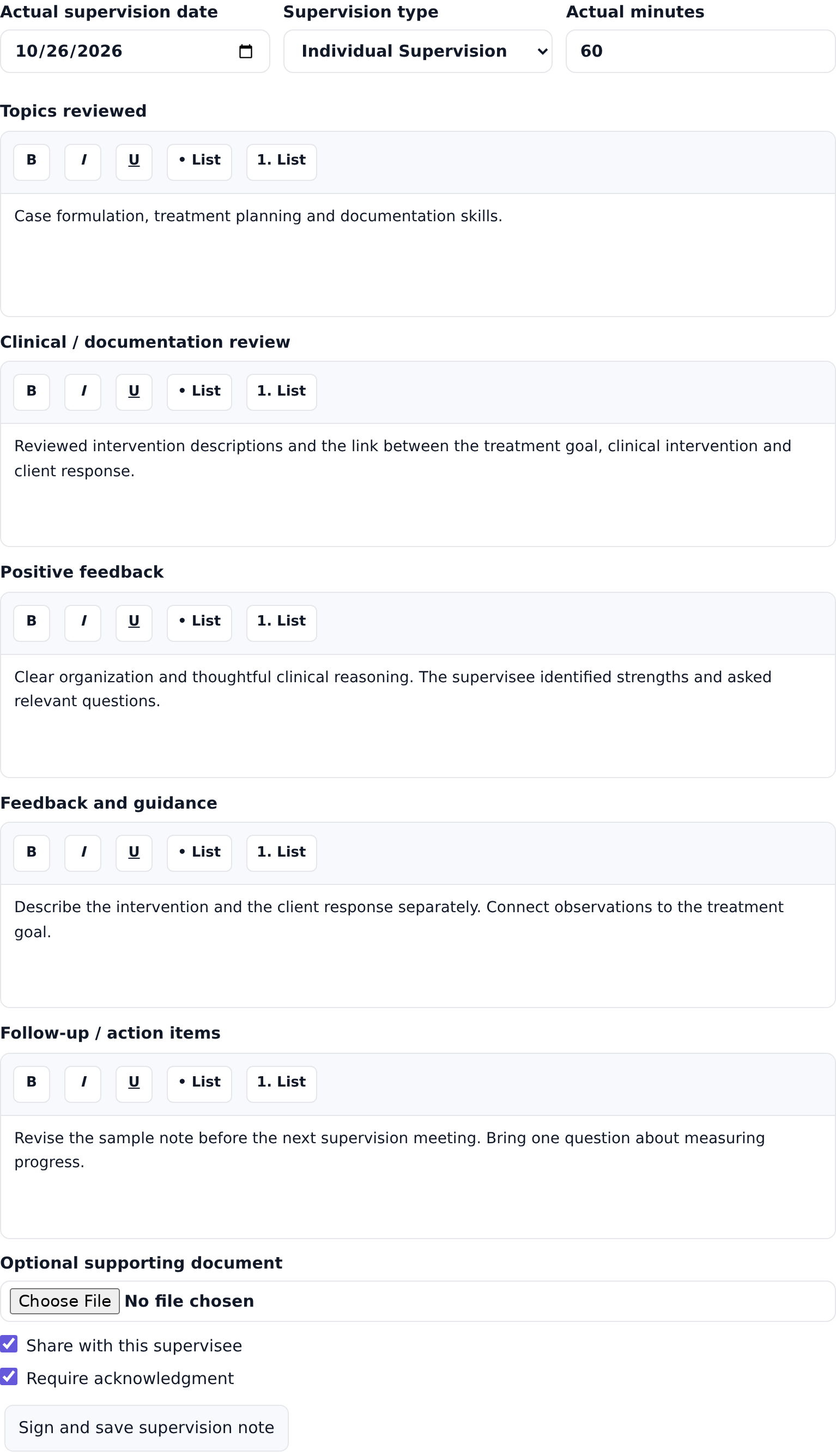
Document the actual date, minutes, topics and clinical review.
Record positive feedback, areas for growth and specific next steps.
Share a note with the supervisee and request acknowledgment when needed.
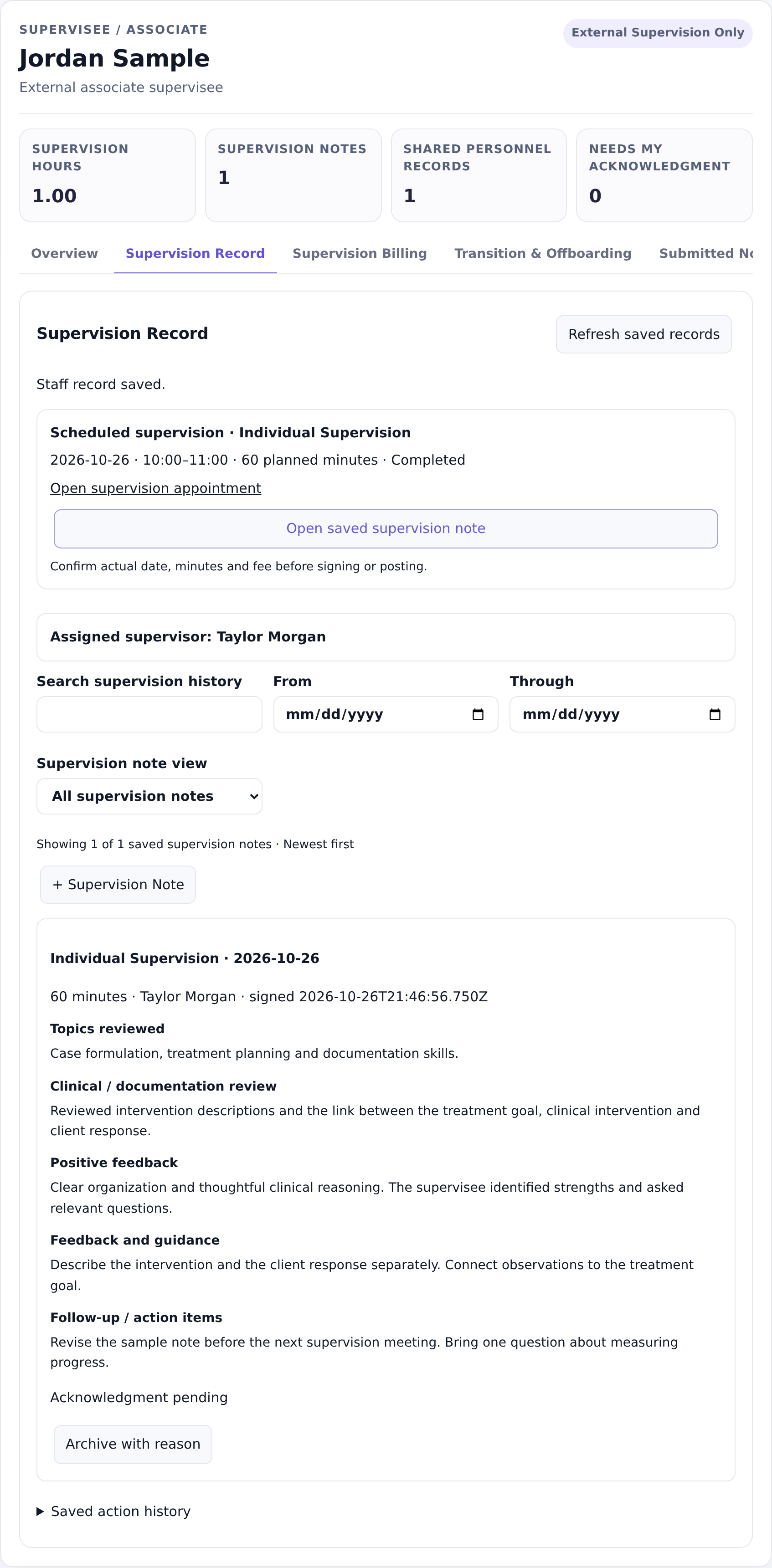
Review recorded supervision hours and signed note history.
HR Suite · Saved supervision documentation. Select the image to enlarge, zoom and scroll.See how a supervision note is writtenSupervision note editor · Actual date and minutes, flexible feedback fields and sharing choices. Select the image to enlarge, zoom and scroll.
Supervision tracking
Know what needs your attention.
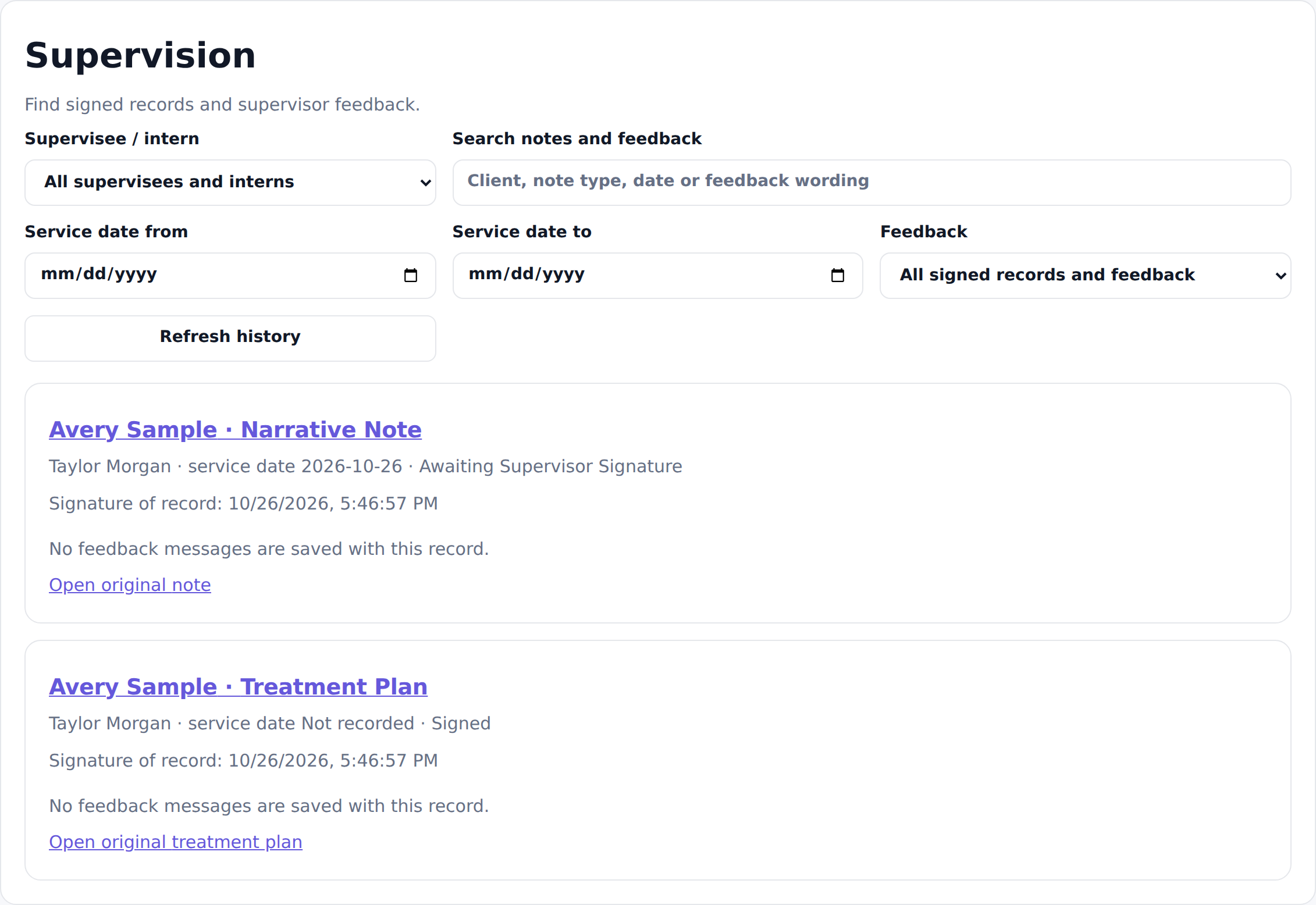
Use My supervisees to find the right person. Search supervision notes by wording or date, then narrow the history to pending acknowledgments or notes with follow-up actions. Clinical note review has its own saved feedback and signature history.
Find follow-up items without rereading every supervision note.
See recorded hours, signed meetings and outstanding acknowledgments.
Open original clinical notes to review, return for correction or cosign.
Keep historical signatures and pending reviews when staff roles change.
Support practice interns, associates and external supervisees with the access appropriate to their relationship.
Clinical supervision tracking · Open the original record for review and action. Select the image to enlarge, zoom and scroll.
Staff administration
Support the person behind the provider.
Keep staff credentials, permissions, supervision assignments, personnel documents and lifecycle history together. A clinician can grow from intern to associate to independent practice while the historical record stays intact.
Maintain staff and supervision records separately from client charts.
Review credentials, contracts and supervision assignments.
Review unfinished work and active-client handoffs before a departure.
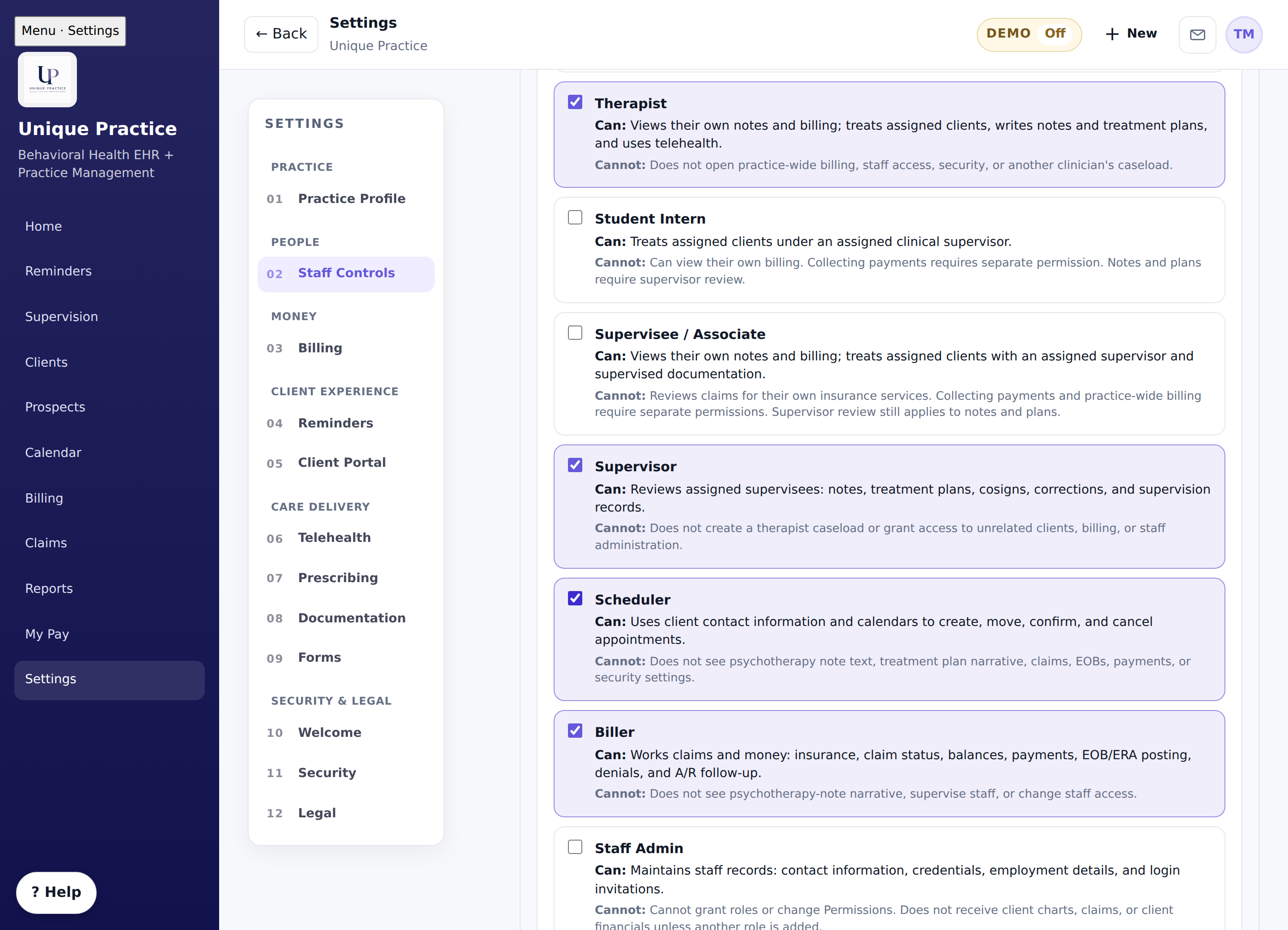
Staff administration · Role and access settings remain available. Select the image to enlarge, zoom and scroll.
Care-team chart sharing
Share the right records with the right people.
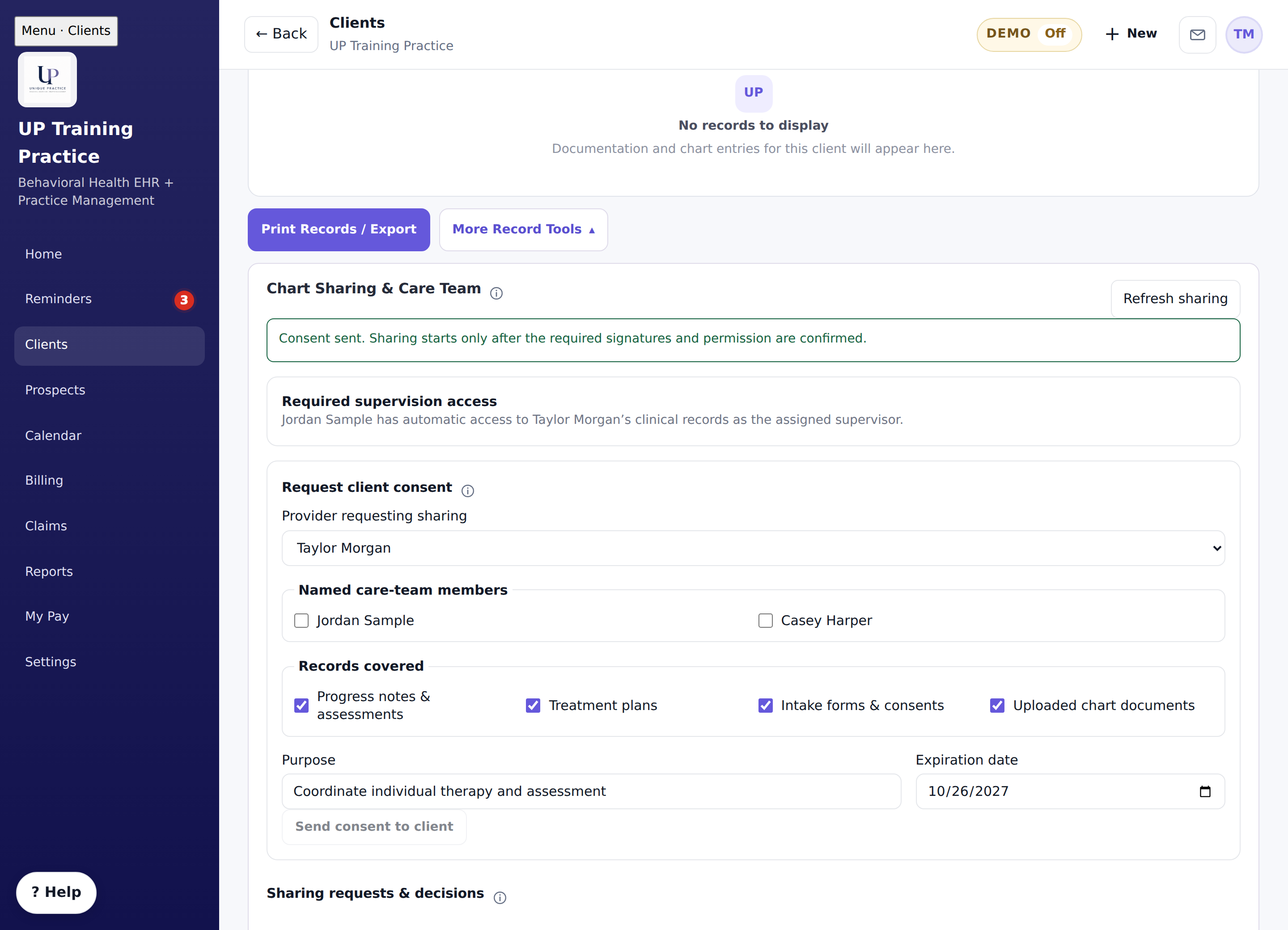
Request a signed consent naming the care-team members and records. Clients can approve one-way or two-way sharing, or decline. The completed decision is retained in Docs & Forms.
Consent controls care-team access.
A later signed approval can replace an earlier denial.
Assigned supervision access follows its separate supervision workflow.
Chart Sharing · Fictional consent request.
Built for the work around the session.
One clinical profile can support the provider’s permitted disciplines, with practice and provider service-code selections. Client billing, paperwork, supervision and reminders each follow their saved source and access rules.